
Particles Morphing
GPU-accelerated particle system that smoothly morphs between 3D model geometries using custom shaders

Particles Morphing
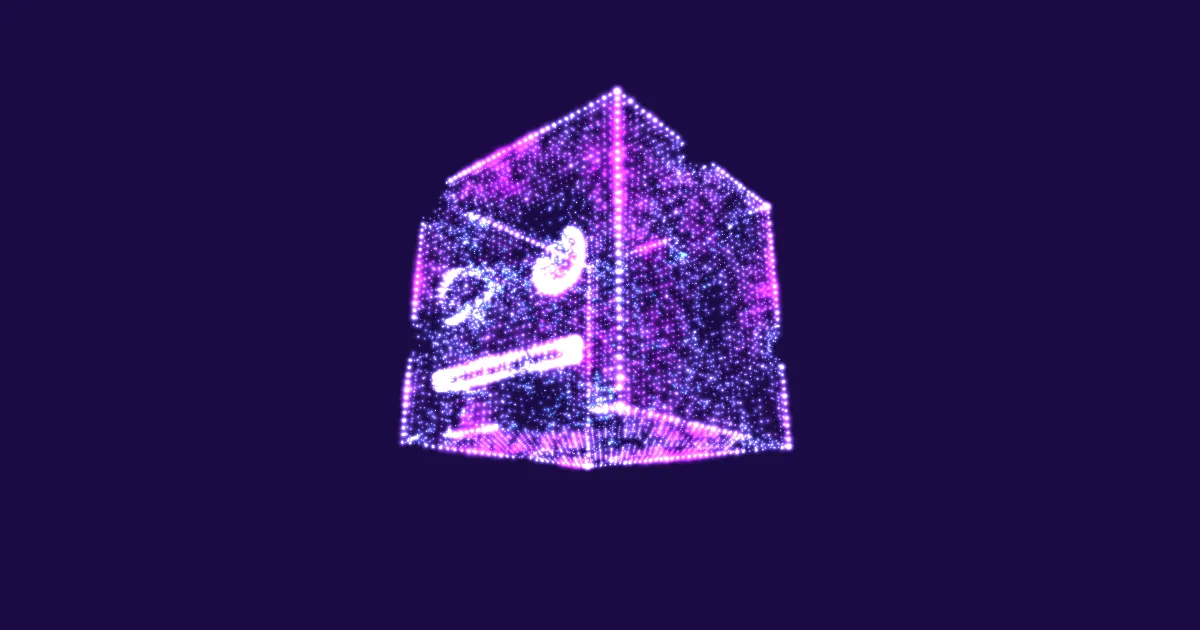
An advanced GPU-accelerated particle system that creates a mesmerizing morphing effect between two 3D models. This experiment demonstrates the power of custom shaders and attribute manipulation in TresJS.
Overview
This experiment loads two 3D models and converts their vertices into particle systems. Using custom vertex and fragment shaders, the particles smoothly transition between the two geometries, creating a fluid morphing effect with customizable colors and animation.
Inspiration
This experiment is inspired by one of Bruno Simon's excellent Three.js Journey lessons on particle morphing. The original concept has been adapted to showcase TresJS's declarative approach to working with custom shaders and buffer geometry.
Key Features
- GPU-Accelerated: All morphing calculations happen on the GPU via custom shaders
- Adaptive Particle Count: Automatically harmonizes vertex counts between different geometries
- Smooth Transitions: Uses GSAP for buttery-smooth morphing animations
- Customizable Colors: Real-time color mixing between two palettes
- Random Particle Sizes: Each particle has a randomized size for visual variety
- Additive Blending: Creates a glowing, ethereal effect
Technical Highlights
Geometry Harmonization
When morphing between models with different vertex counts, the system:
- Determines the maximum vertex count between both models
- Pads the smaller geometry by randomly sampling existing vertices
- Creates matched Float32BufferAttribute arrays for seamless interpolation
Shader Implementation
The vertex shader interpolates between two position attributes using a uProgress uniform, while the fragment shader creates a gradient between two colors with additive blending for a luminous effect.
Controls
- Color A & Color B: Set the gradient colors for the particle system
- Progress: Manual control over the morph transition (0.0 to 1.0)
- Morph Button: Trigger an animated transition between the two shapes
Models Used
- Blender Cube: A simple geometric shape
- Pumpkinsaur: A more complex organic model
Both models are simplified and compressed using Draco compression for optimal performance.